
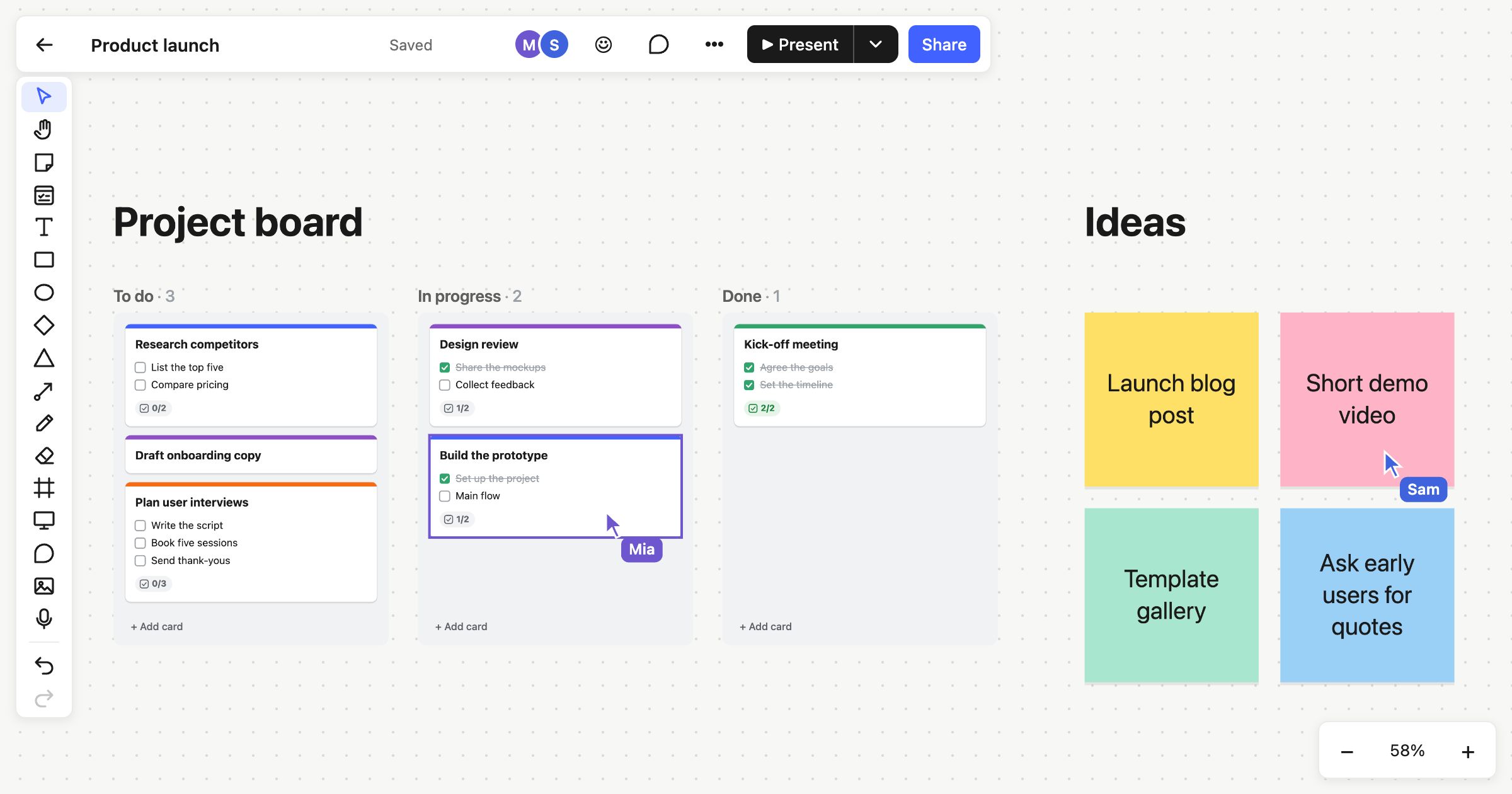
A remote workshop works best when everyone feels they’re standing at the same wall. Atomic Lab is a real-time collaborative whiteboard: everyone’s edits, cursors and selections appear as they happen, and the tools for running a session are built in. There’s nothing to install, and the app downloads less than 100 KB, so people on older laptops and busy Wi-Fi keep up too.
A real-time collaborative whiteboard
- See each other. Everyone’s cursor shows with their name, along with what they’ve selected. Avatars along the top show who’s on the board.
- No waiting. Your own changes show straight away and reach everyone else in the background. If your connection drops, they’re kept and sent when it’s back.
- No collisions. If two people drop cards into the same column at the same moment, both land where they were dropped, and everyone sees the same column.
Running a remote workshop
Follow, reactions and ▶ Present are in the board’s top bar. The timer and voting are in its ⋯ menu.
- Follow. Click someone’s avatar and your view follows theirs, until you pan or zoom yourself. They see an eye on your avatar.
- Present. ▶ Present takes the board full screen, and everyone on it follows you. ← and → step through its frames or slides, and Esc stops. Anyone can stop following to look around, then join back in.
- Timer. Editors start a countdown everyone can see: 1, 3, 5 or 10 minutes. Pause it or add a minute. It chimes when time’s up.
- Voting. Editors start a vote and give each person 1 to 10 votes. Everyone on the board, viewers included, clicks sticky notes and cards to vote. Votes stay hidden until the vote ends. Then the counts appear, and Add results to the board writes them down.
- Reactions. Send 👍 ❤️ 😂 🎉 👏 or 🤔 from the ☺ button, and it floats up on everyone’s screen.
The timer, votes and reactions are live only. They aren’t saved with the board, so add the vote results if you want to keep them.
Comments for between sessions
Not everything happens live. Press ⇧C and click to pin a comment anywhere, or on a note or card so it moves with it. Type @ to bring someone in. They get an email, collected for about ten minutes with anything else waiting for them. Resolve a thread when it’s done. There’s more in Comments on the board.
Who can join
- Free: you edit. People you invite into your workspace can view your boards live, comment and vote.
- Team: $6 per member per month, or $60 a year, and everyone in the workspace edits. Guests are free. Inviting your first teammate starts a 14-day trial, with no card needed.
- Anyone else: publish a read-only link that updates live and needs no account. On Pro and Team you can also invite people to watch you present through a link. They give a name and wait in a lobby until you start.
A board kept in your browser, before you sign up, is just for you. Sign up free and it moves into your account, ready to share. Pricing has the details.
Templates for workshops
Try the sprint retrospective, brainstorming or mad, sad, glad templates, all built from sticky notes. For planning together there’s Kanban, and for mapping a process, connectors.
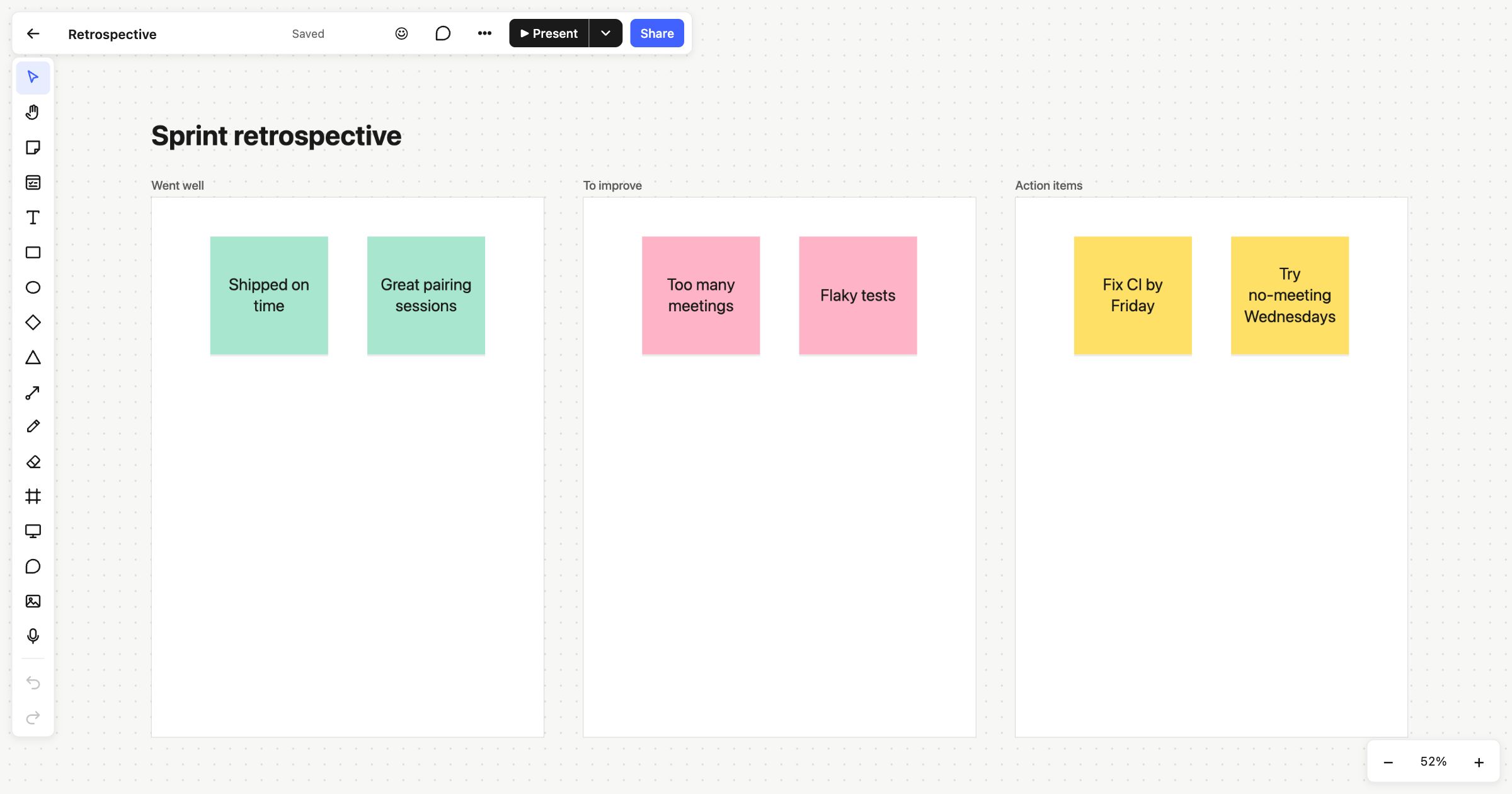 Sprint retrospective
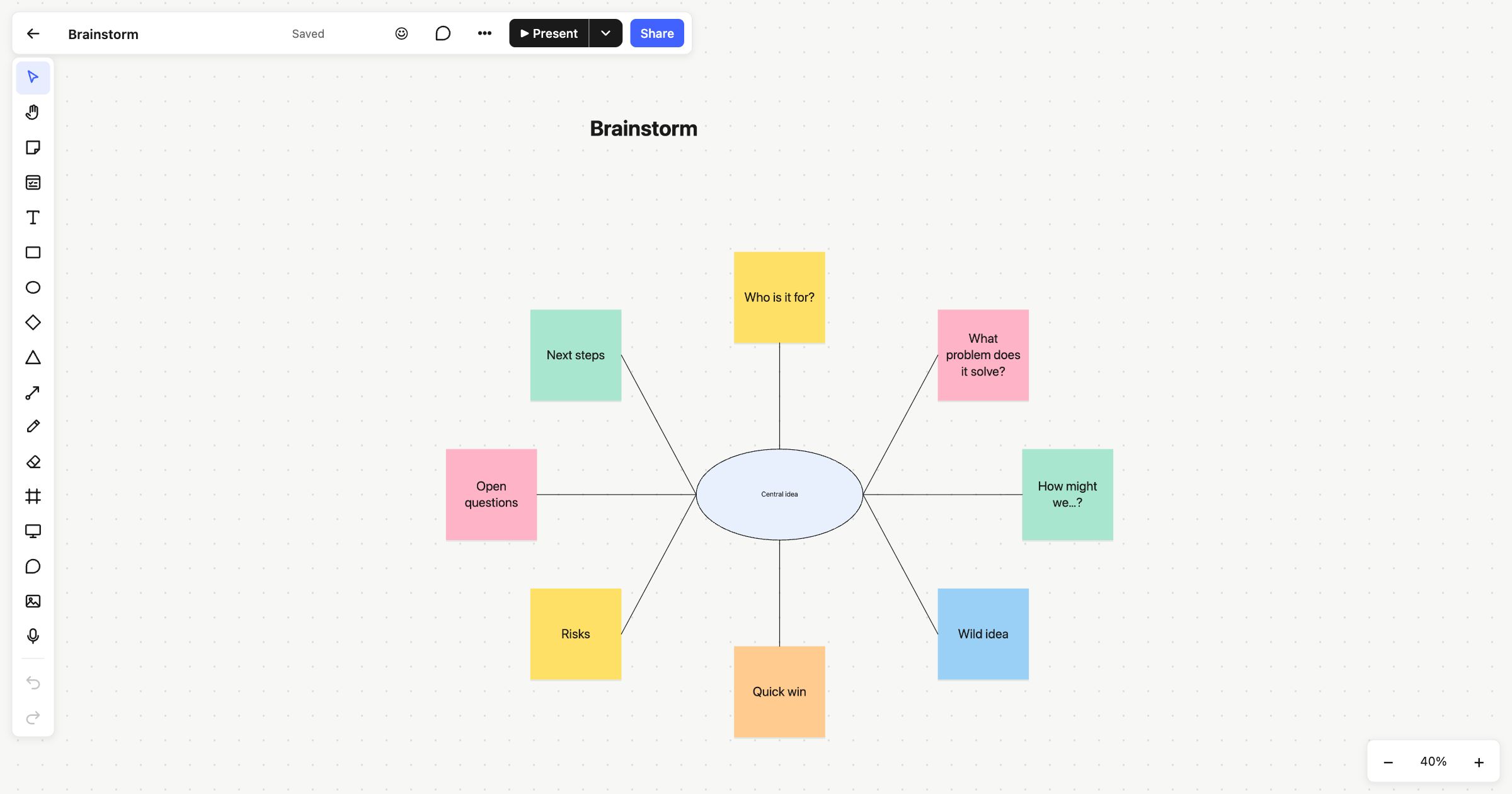 Brainstorming
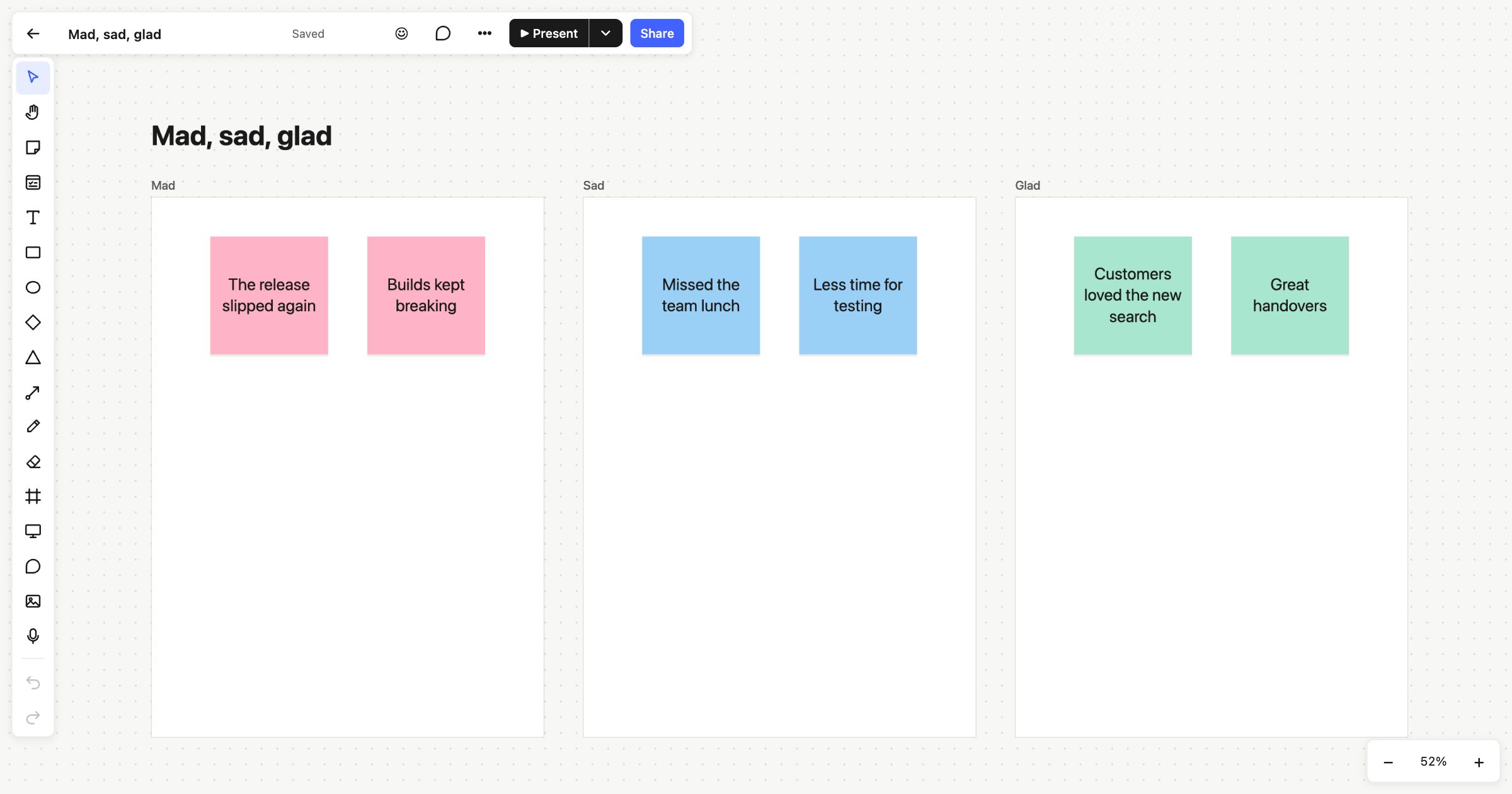 Mad, sad, glad