
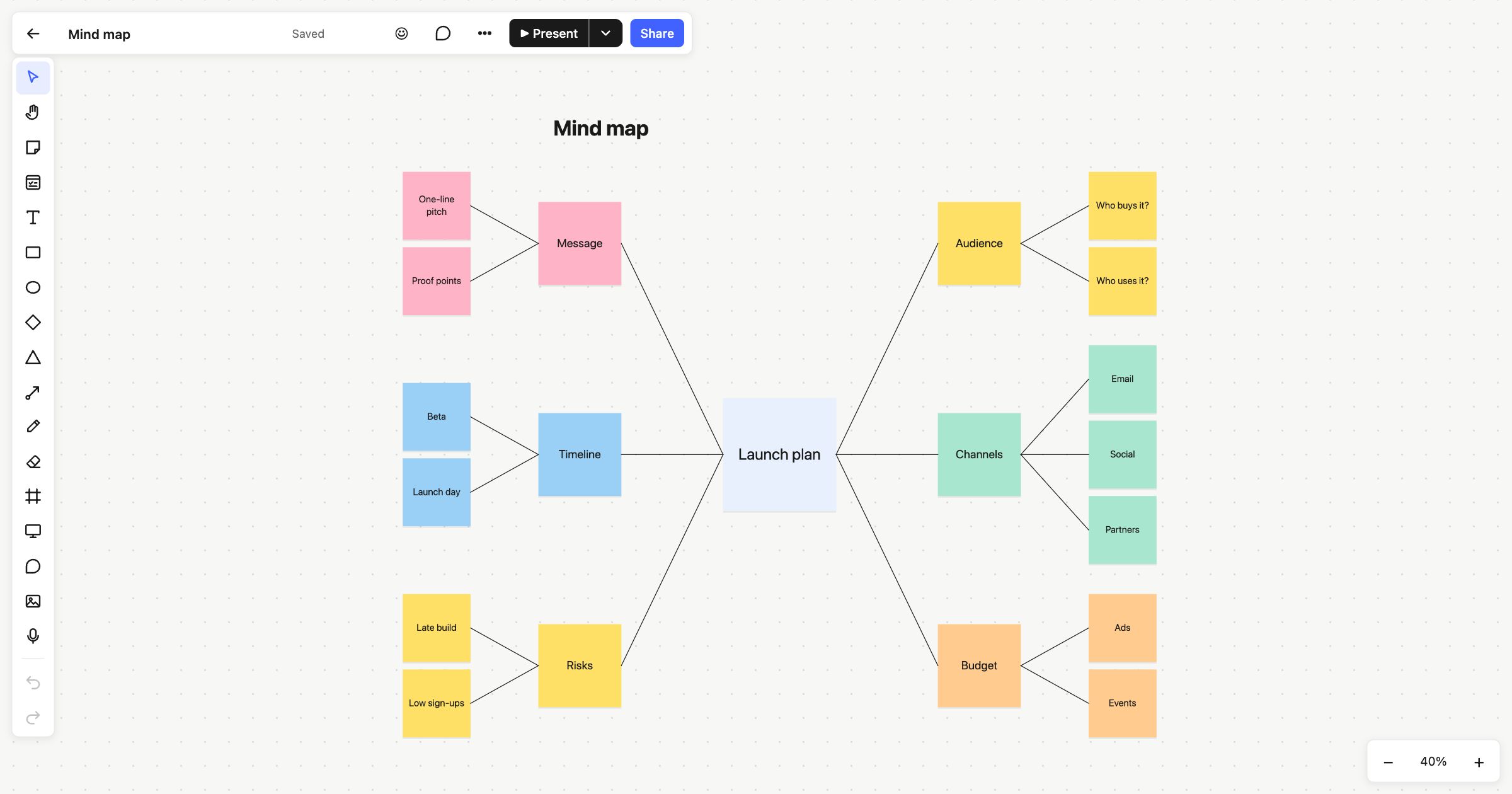
A mind map starts with one topic in the middle and branches out into ideas, then into the details of each idea. It’s a natural way to think, because it follows how one thought leads to the next. This mind map template is laid out as a launch plan, with six branches and their details already joined up, so you can see the shape before you replace the words.
When to use a mind map
Use a mind map to explore a topic you haven’t pinned down yet: planning a launch, outlining an essay or talk, preparing for a meeting, or breaking a big goal into parts. It’s good on your own for getting your thoughts in order, and good with a group for seeing everything everyone has in mind. Unlike a list, it shows how ideas relate to each other.
How to run it
- Name the centre. Replace “Launch plan” with your topic.
- Add the main branches (5 minutes). Rename the six branch notes to the big themes. Delete the ones you don’t need, or duplicate one for more.
- Fan out the details (10–15 minutes). Add a note for each detail beside its branch, and join it with a connector.
- Look for links. If an idea on one branch affects another, draw a connector across the map between them.
- Pick what matters. Circle back to the details that need action and turn them into cards or next steps.
What’s on the template
The board is titled “Mind map”. In the centre is a large note, “Launch plan”. Six coloured branches come off it, three on each side:
- Audience: “Who buys it?” and “Who uses it?”
- Message: “One-line pitch” and “Proof points”
- Channels: “Email”, “Social” and “Partners”
- Timeline: “Beta” and “Launch day”
- Budget: “Ads” and “Events”
- Risks: “Late build” and “Low sign-ups”
Each branch and its details share a colour, so the map still reads when you zoom out. Everything is made from sticky notes joined by straight connectors. The connectors are attached to the notes, so you can drag a branch somewhere else and its lines follow.
Tips
- Group a branch with ⌘G (Ctrl+G) once it’s settled. Clicking any note in it then selects the whole branch, so it moves as one.
- Use the minimap on a large map to see where you are and jump to another part of it.
- Present it. ▶ Present goes full screen, and everyone on the board follows your view as you walk through each branch.
Read more about connectors and sticky notes. For a looser start, try the brainstorming template. To sort lots of ideas into groups, use the affinity diagram, and to map a process, the flowchart template.
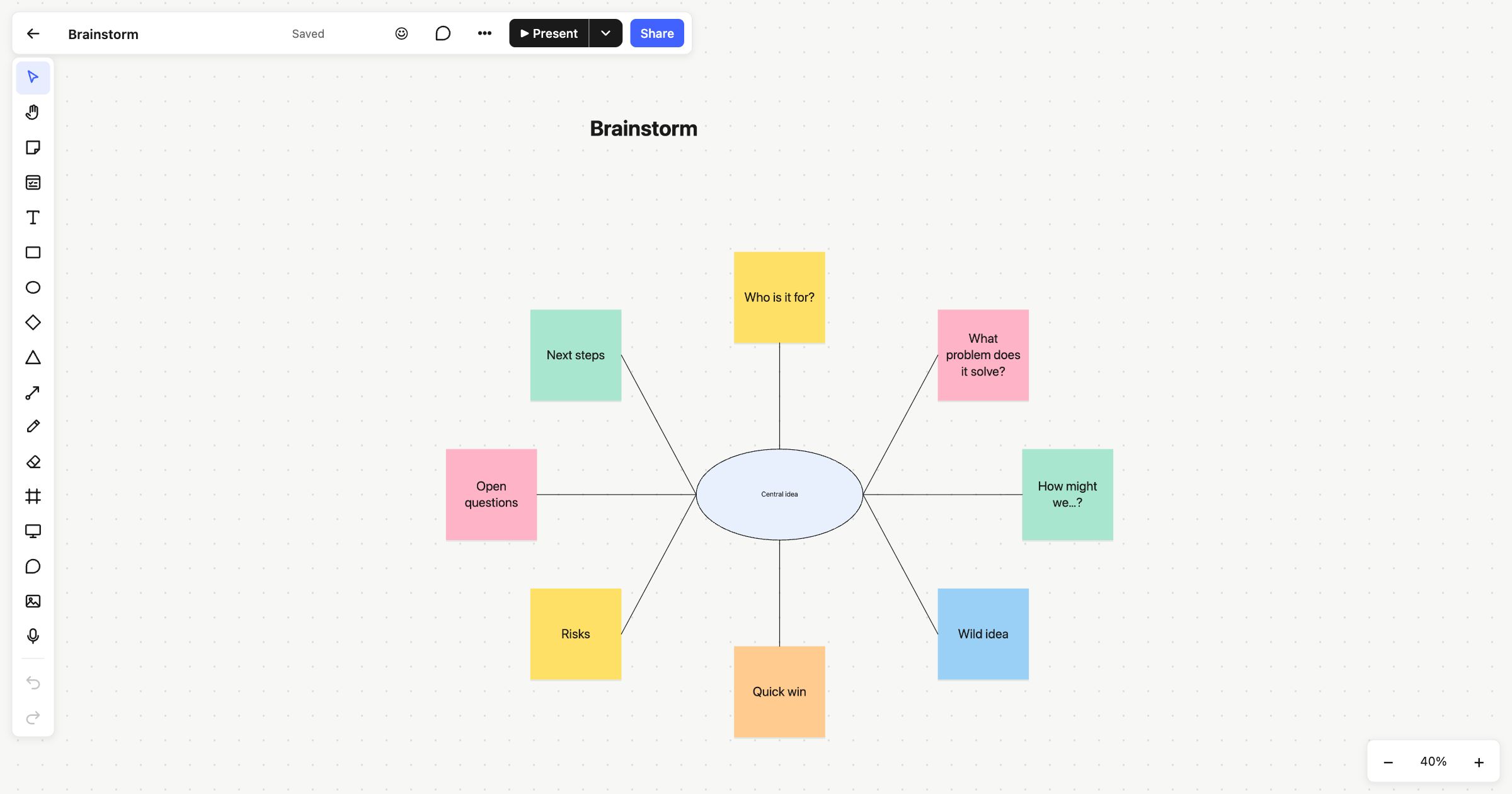 Brainstorming
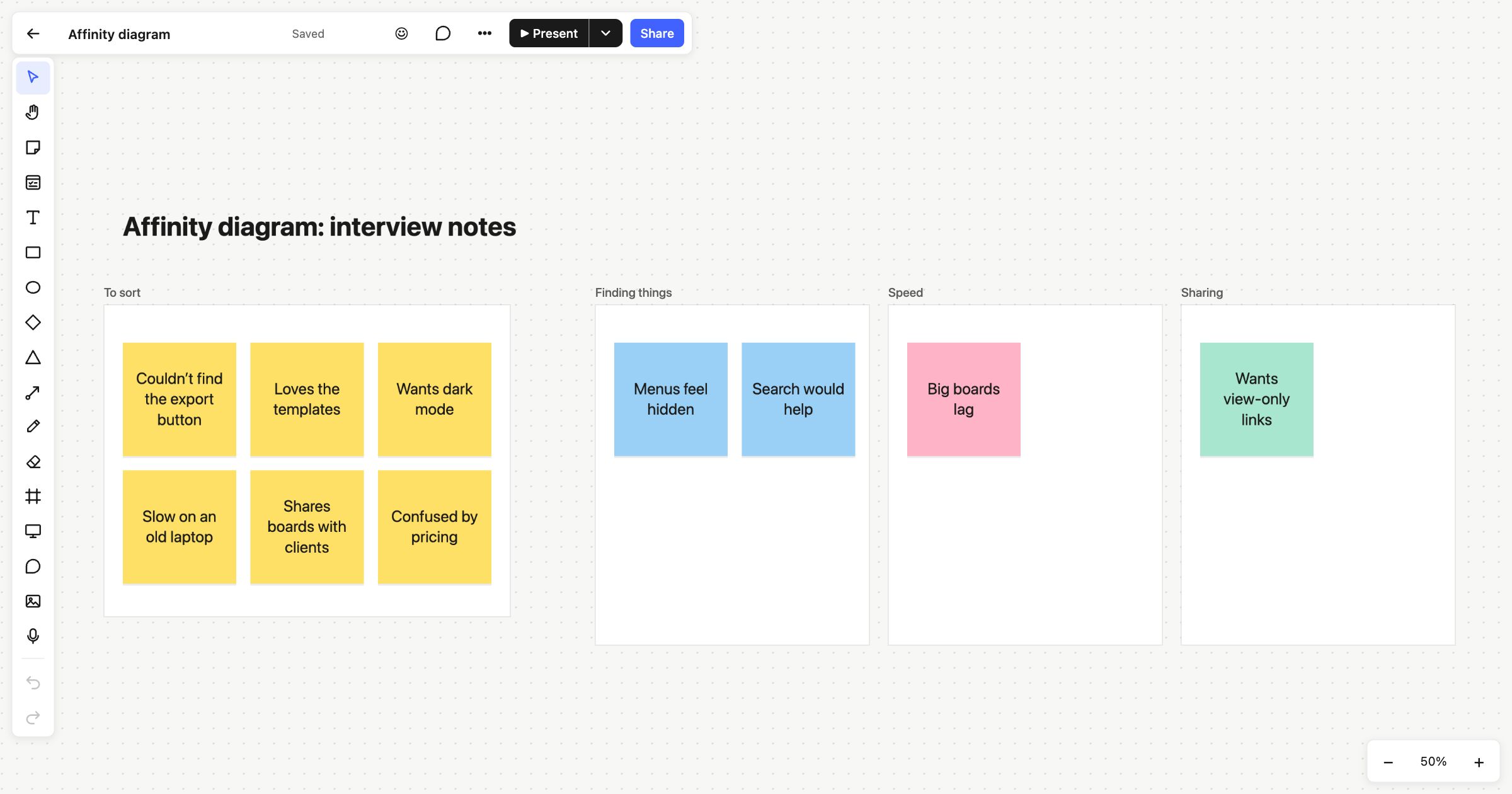 Affinity diagram
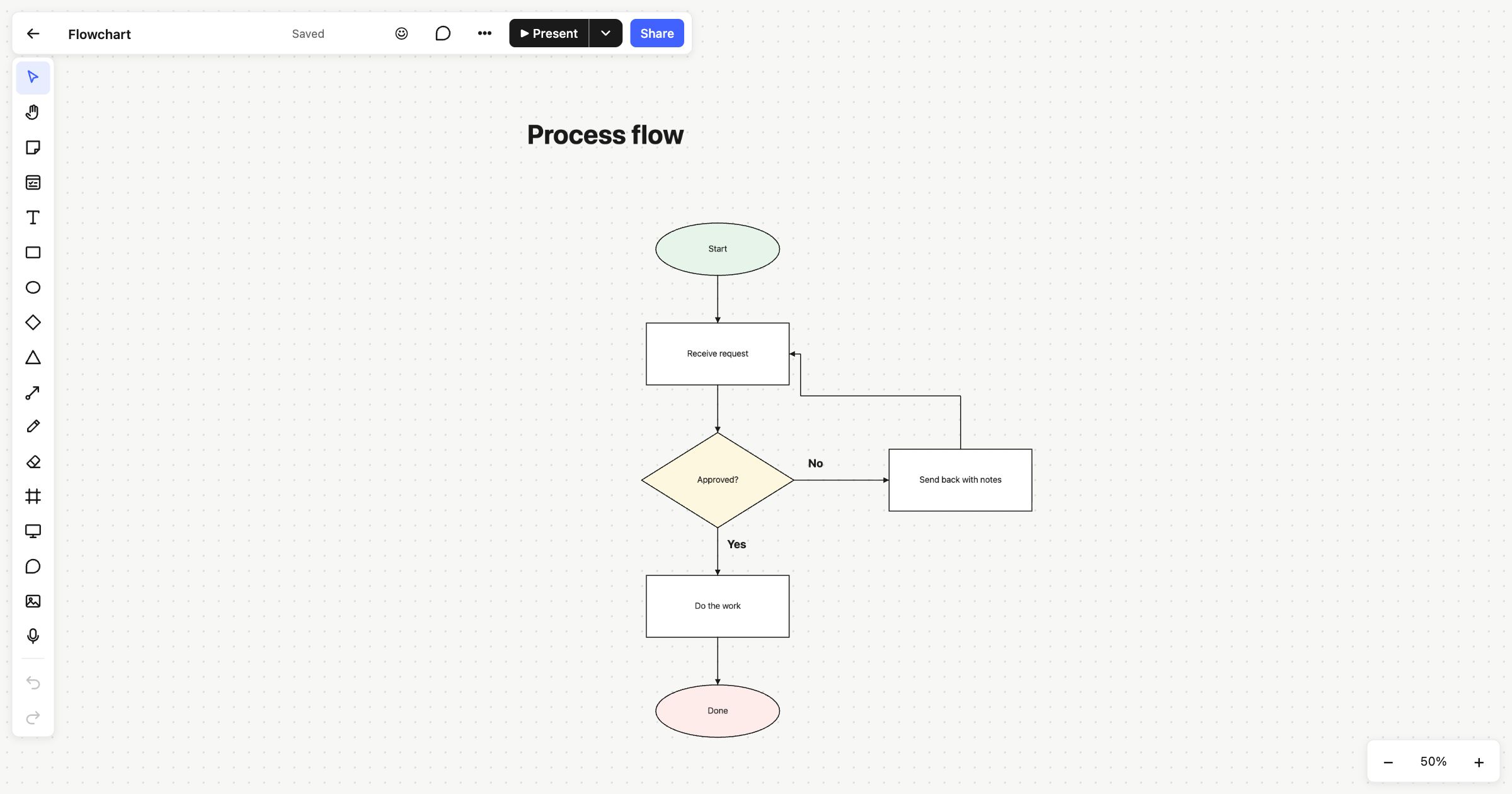 Flowchart