
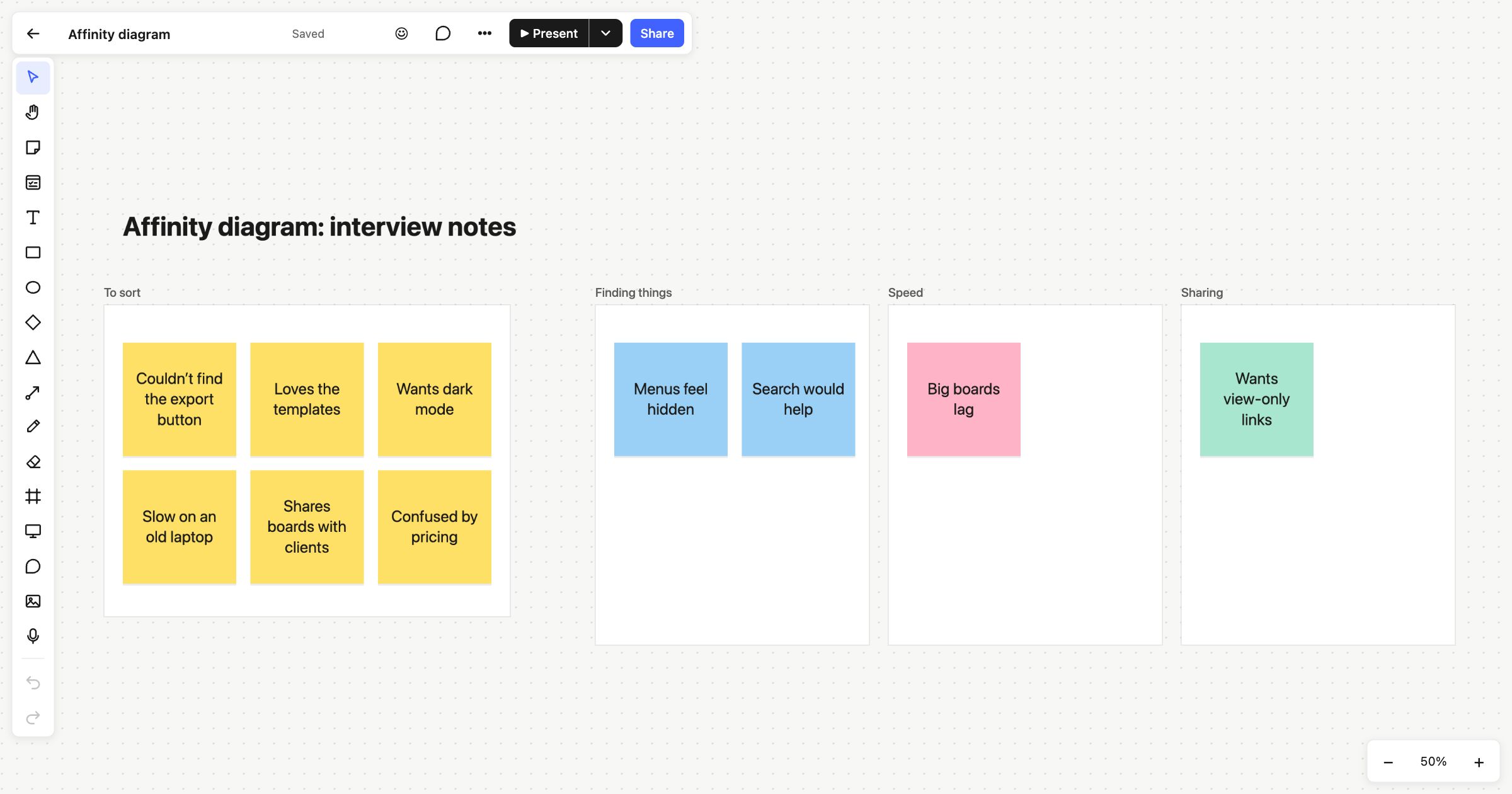
An affinity diagram turns a pile of loose notes into a handful of themes. You write each observation on its own sticky note, then move the notes into groups until patterns appear. It’s a staple of user research, but it works for any messy input: interview notes, survey answers, support tickets or the output of a brainstorm. This affinity diagram template gives you a space for the raw notes and room for the groups they end up in.
When to use an affinity diagram
- After user interviews, to find what several people said in different words.
- When a brainstorm has produced more ideas than anyone can hold in their head.
- To make sense of open-ended survey answers or a backlog of feedback.
- When a team needs to agree what the main problems are before choosing what to fix.
How to run it
- Get everything down (10 to 20 minutes). One observation per sticky note, in plain words. Put them all in the “To sort” area. Don’t group yet.
- Sort in silence (10 to 15 minutes). Everyone moves notes next to others that feel related. Anyone can move any note. If a note fits two groups, duplicate it.
- Name the groups (5 minutes). When the groups settle, give each a short name that says what it’s about, such as “Finding things” rather than “Navigation issues 2”.
- Review together (10 minutes). Read each group aloud. Split groups that are too big and merge ones that say the same thing.
- Prioritise (5 minutes). Vote on the groups that matter most, and decide what happens next.
What’s on the template
The board is titled “Affinity diagram: interview notes”. On the left, a frame called To sort holds six yellow sticky notes from imaginary interviews, such as “Couldn’t find the export button” and “Confused by pricing”. To its right are three group frames, each with its own colour: Finding things (blue), Speed (pink) and Sharing (green), with a note or two already in each. Rename the groups, add more, and drag notes across as you sort.
Tips
- Keep the groups as frames. A frame moves with everything in it, so you can rearrange whole groups without losing a note. Right-click a frame to rename it.
- Find a note fast. ⌘F (Ctrl+F) searches the board’s text, which helps when you have hundreds of notes and want everything that says “export”.
- It stays quick with a lot of notes. Atomic Lab is built to stay smooth with thousands of objects on a board, so a big research wall won’t slow you down.
From here, try an impact effort matrix to prioritise the themes, or an empathy map to sum up a person. See more on sticky notes.
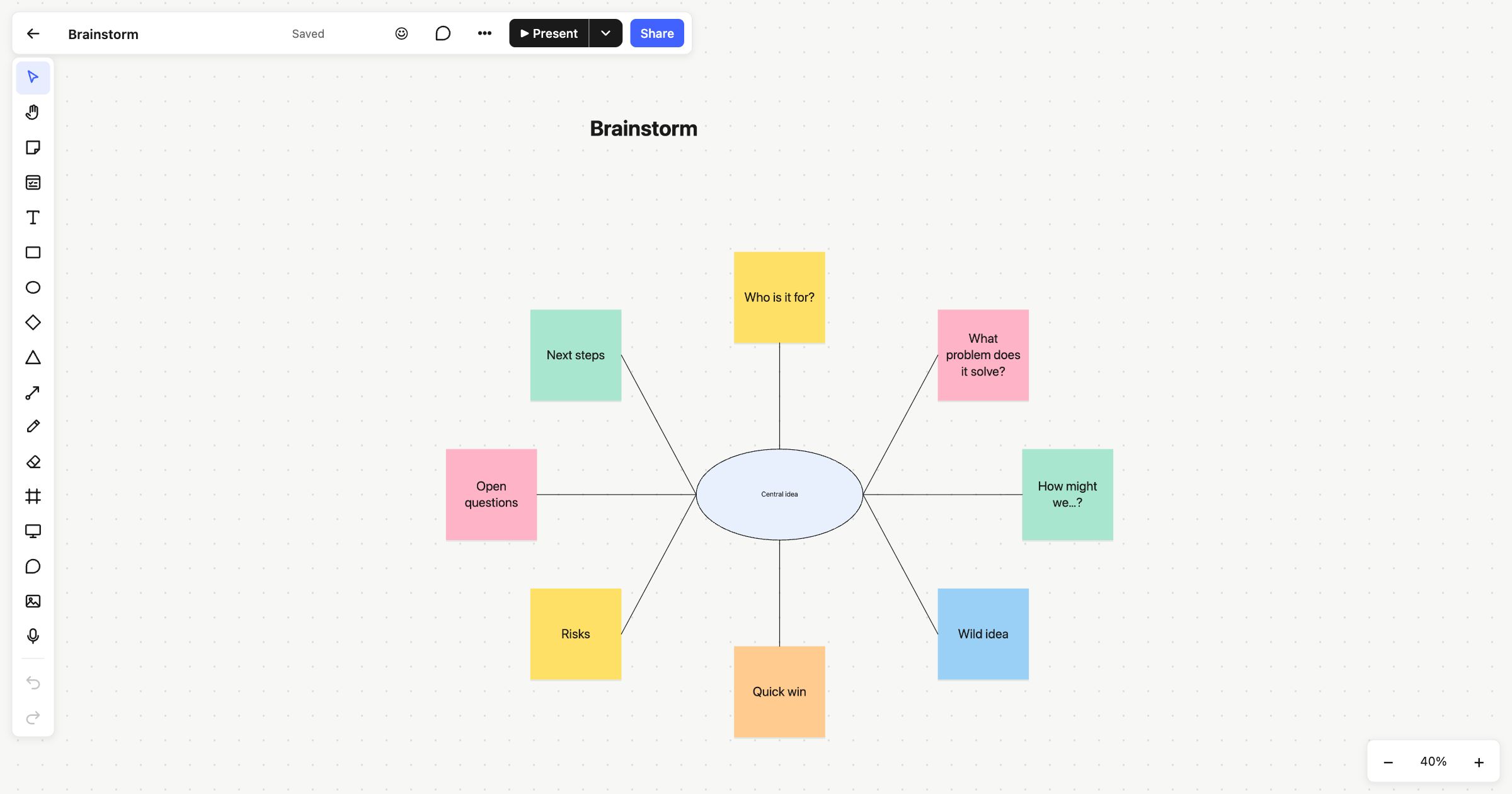 Brainstorming
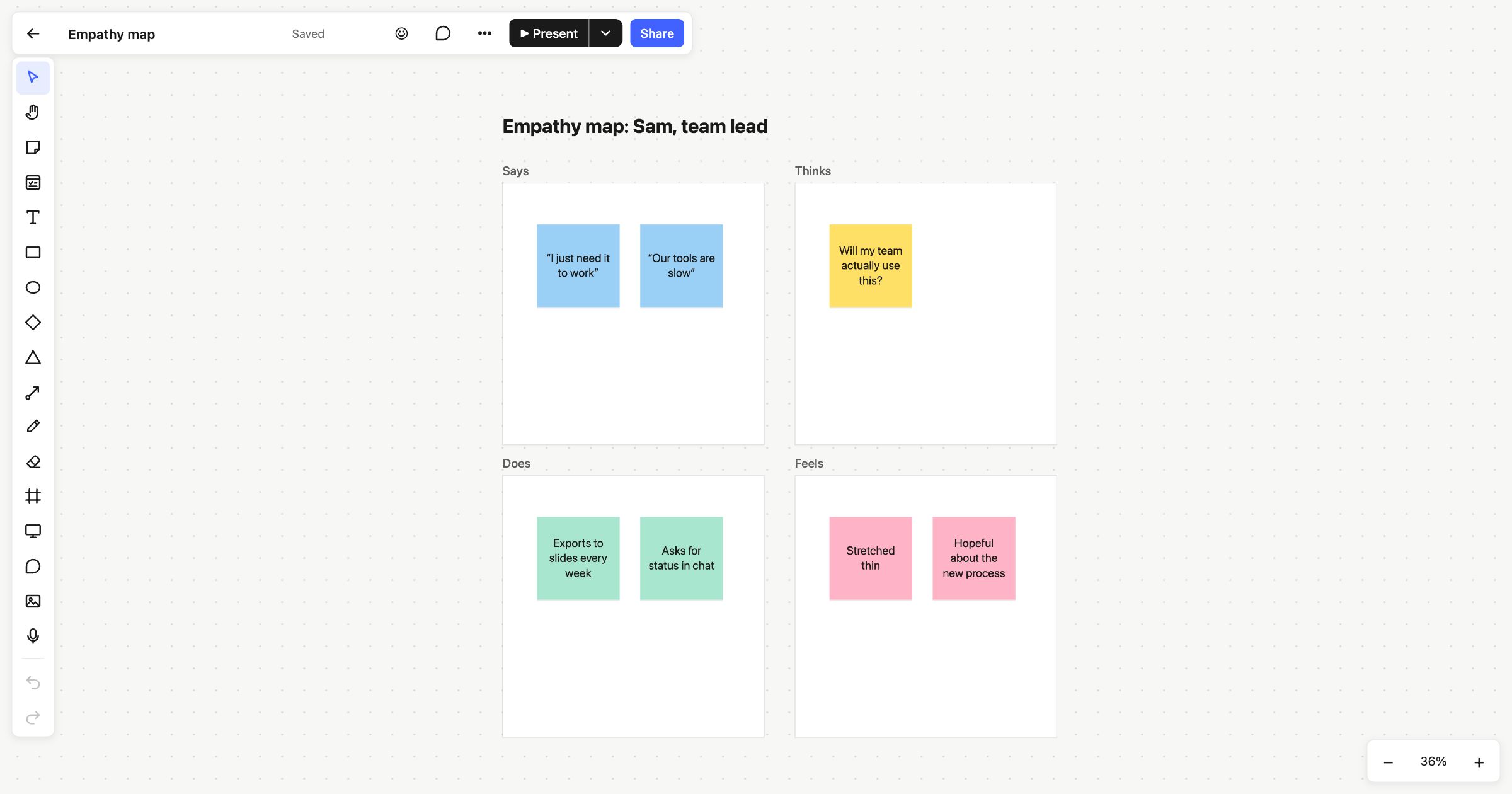 Empathy map
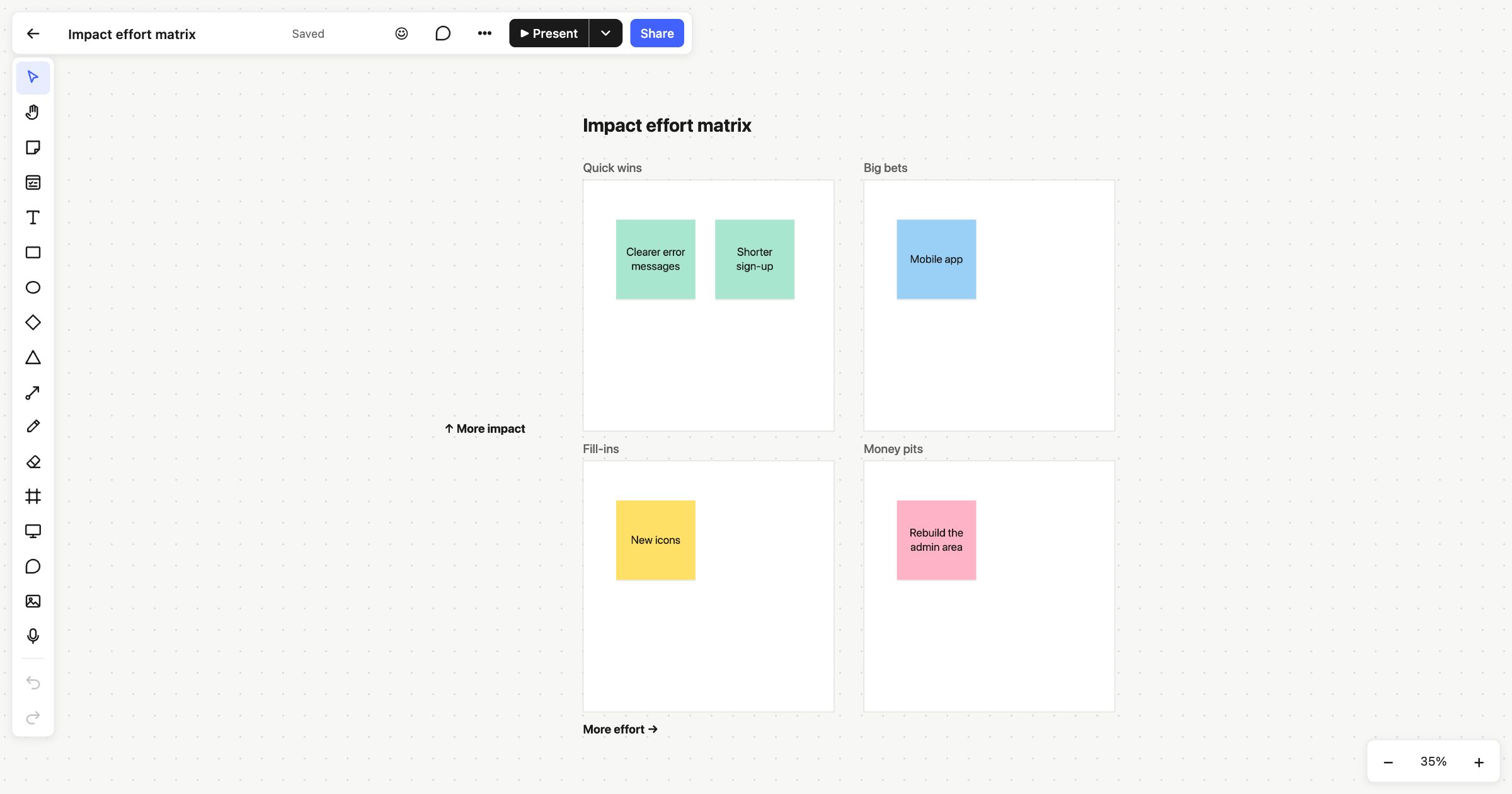 Impact effort matrix