
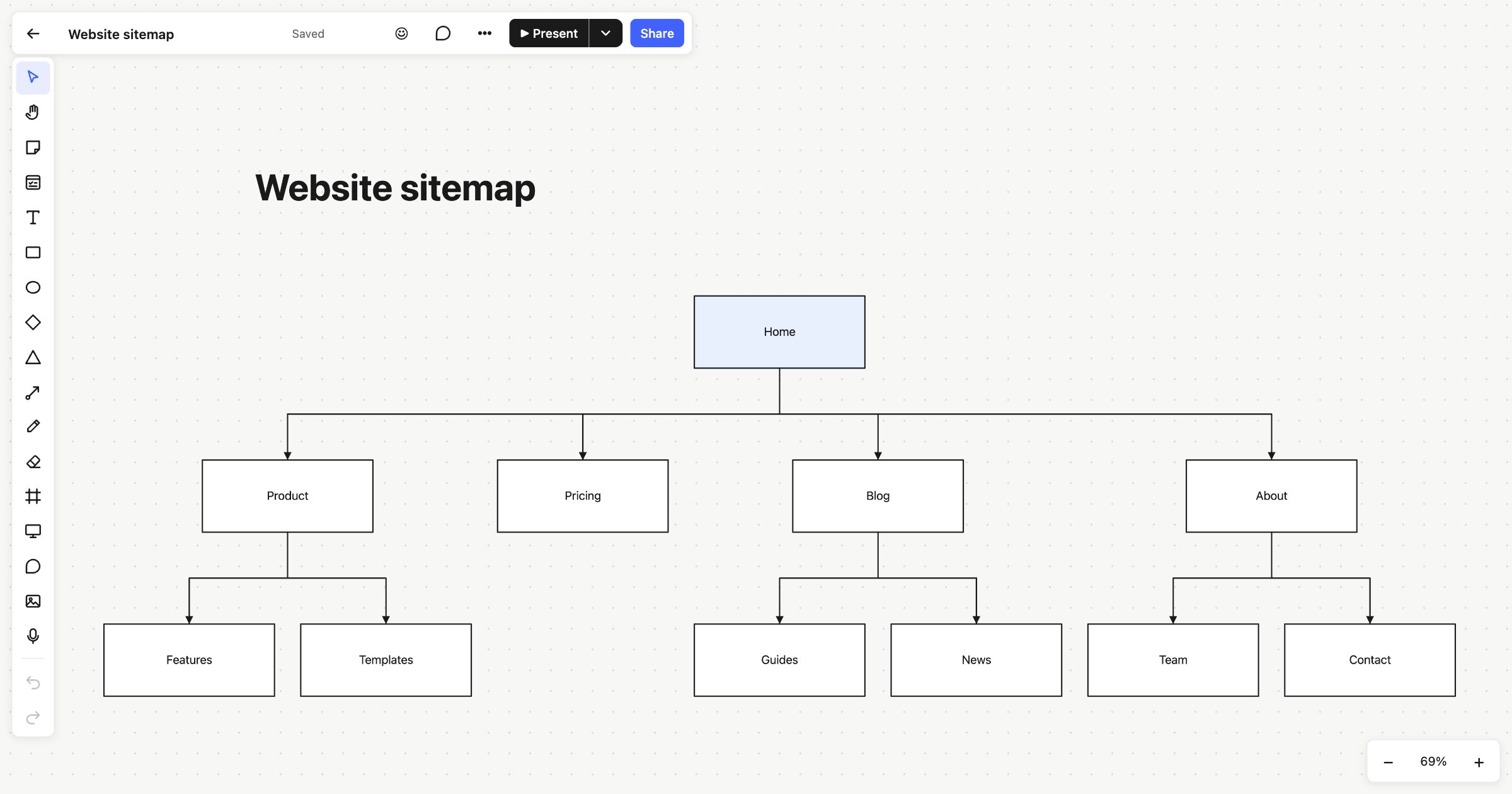
A sitemap shows every page on a website and how they’re connected, as a tree that starts from the home page. Planning one before you design or build helps you agree what the site contains and where things live. This sitemap template is for web designers, marketers, content teams and anyone planning a new site or tidying up an old one.
When to use a sitemap template
- At the start of a website project, before wireframes or copy.
- When a site has grown messy and you want to see what’s there.
- To agree with a client or colleagues what goes in the main navigation.
- Before a migration, to make sure no page is forgotten.
How to run it
- List the pages (10 minutes). Write down every page you need, or every page the current site has. Don’t worry about order yet.
- Pick the top level (10 minutes). Choose the five to seven sections that will go in the main navigation. Fewer is usually better.
- Build the tree (15 minutes). Put each remaining page under the section it belongs to. If a page could go in two places, pick one and note the other.
- Check the depth (5 minutes). If anything important is more than three levels down, consider moving it up.
- Review with others (10 minutes). Walk through it as a visitor: “I want to find pricing. Where do I click?”
What’s on the template
The board is titled “Website sitemap” and shows a simple site as a tree of boxes, joined by connectors with arrows. Home sits at the top, highlighted in light blue. Below it are four sections: Product, Pricing, Blog and About. Product leads to Features and Templates, Blog to Guides and News, and About to Team and Contact. Pricing has no children.
Every box is a shape you can edit, and the connectors are attached to them, so they follow when you move a box.
Tips
- Add a page quickly. Select a box and press ⌘D (Ctrl+D) to duplicate it, then draw a connector from its parent. Press L for the connector tool.
- Note what goes on each page. Put a sticky note beside a box with the page’s purpose, or pin a comment with questions.
- Share it for sign-off. Export as PNG, SVG or PDF, or publish the board as a read-only link that a client can open without an account.
For mapping how people move through a site rather than how it’s organised, try a flowchart or a customer journey map. A mind map is a looser way to gather ideas first. Read more about connectors.
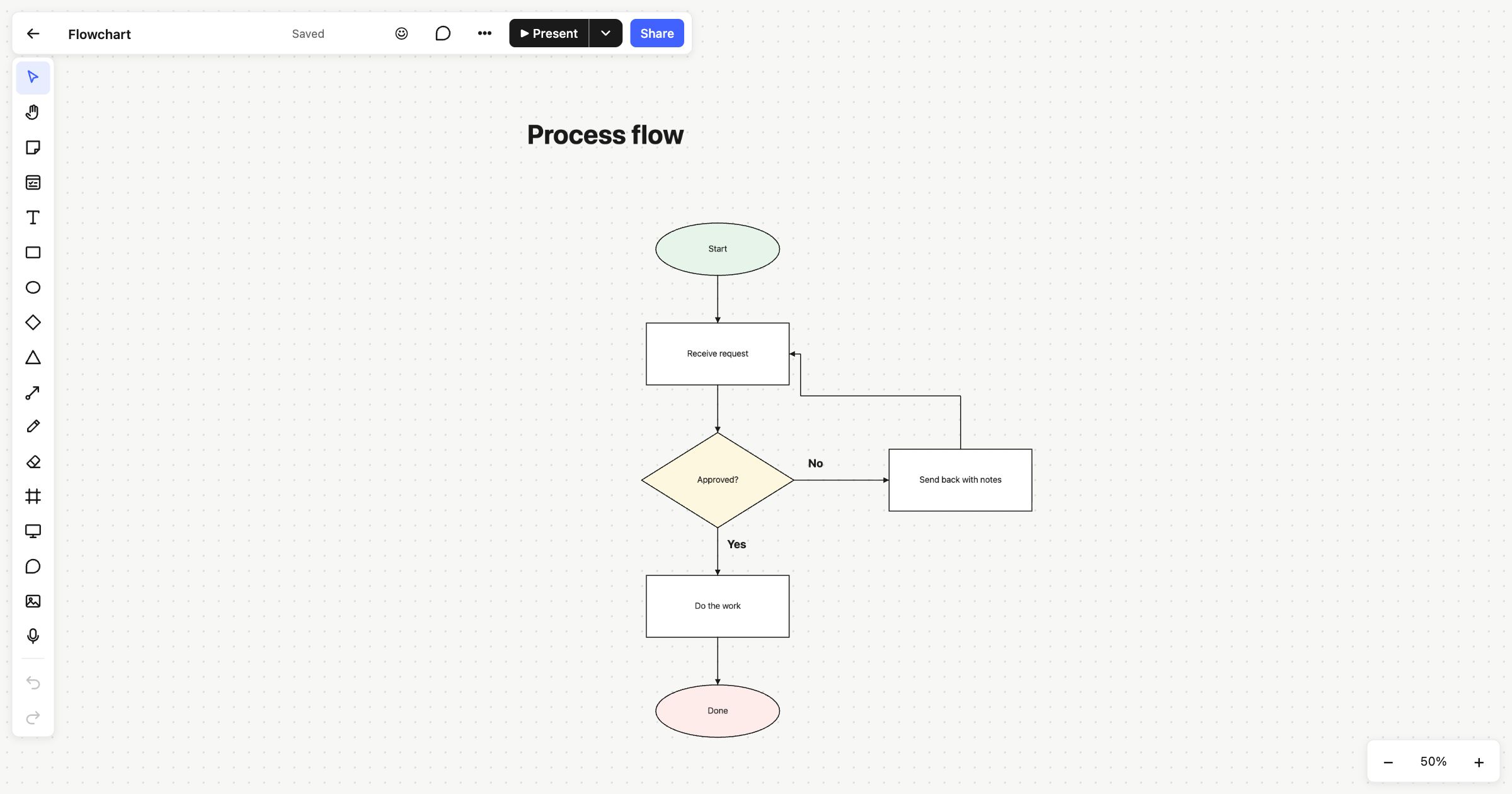 Flowchart
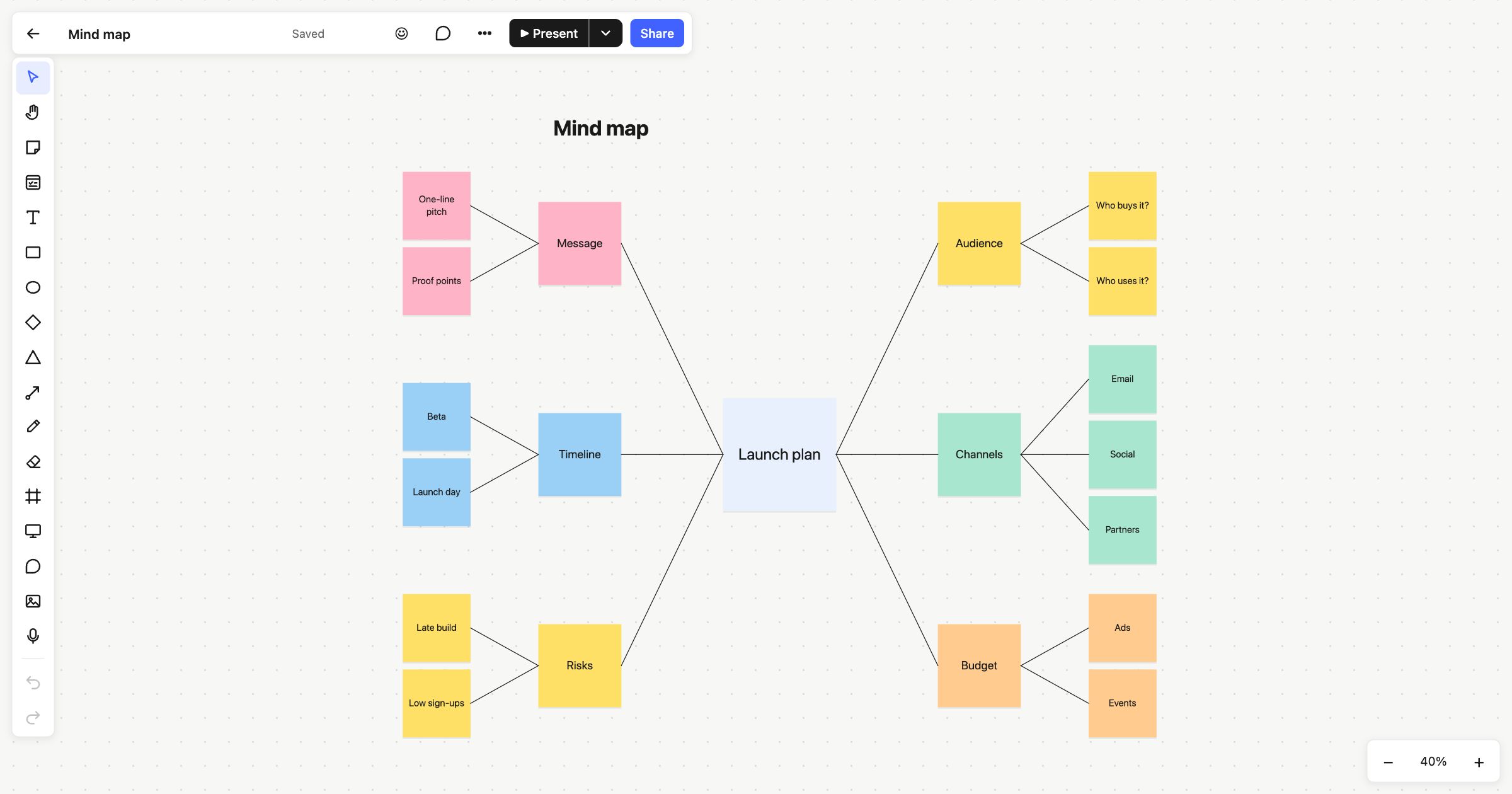 Mind map
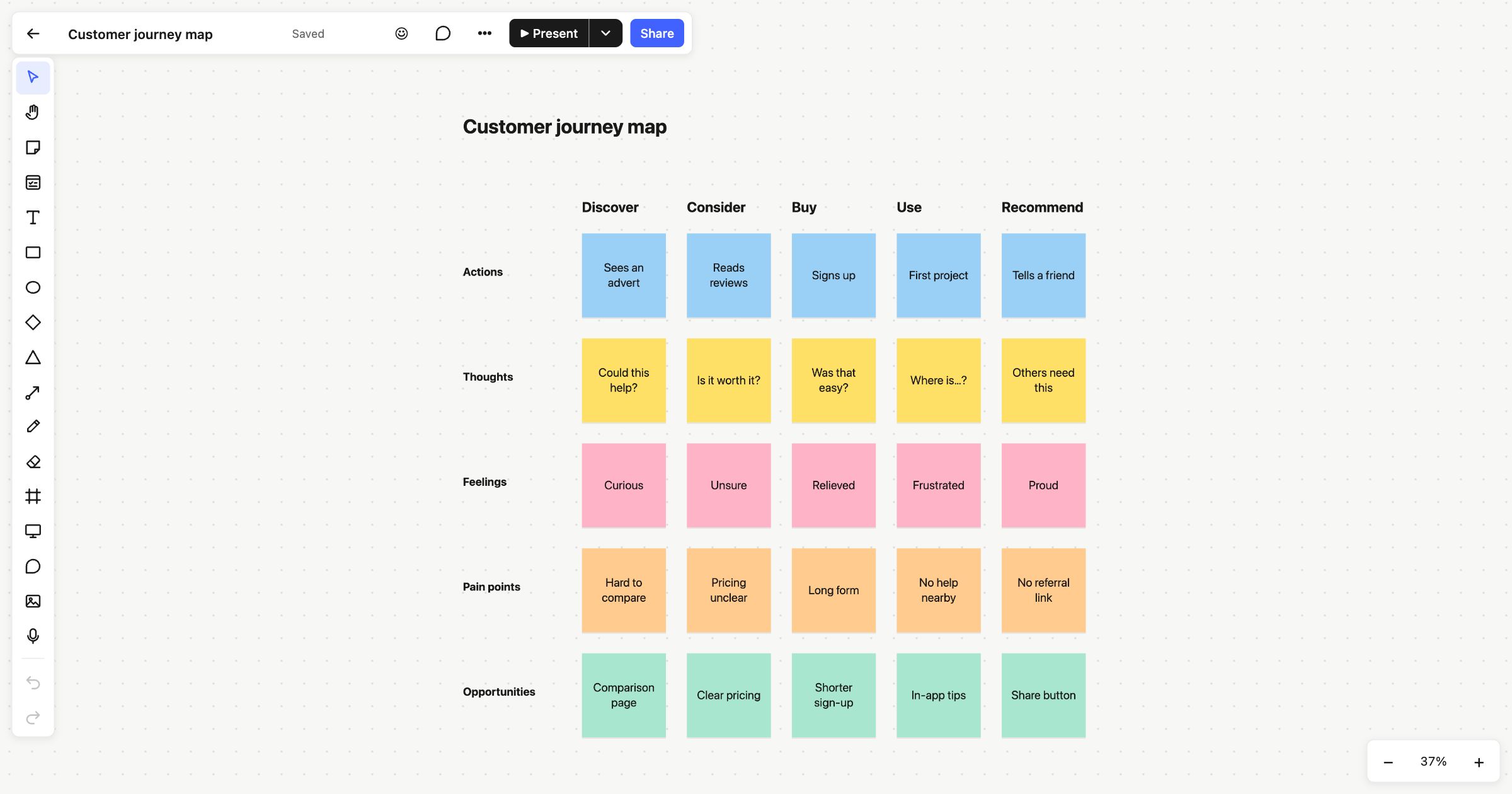 Customer journey map