
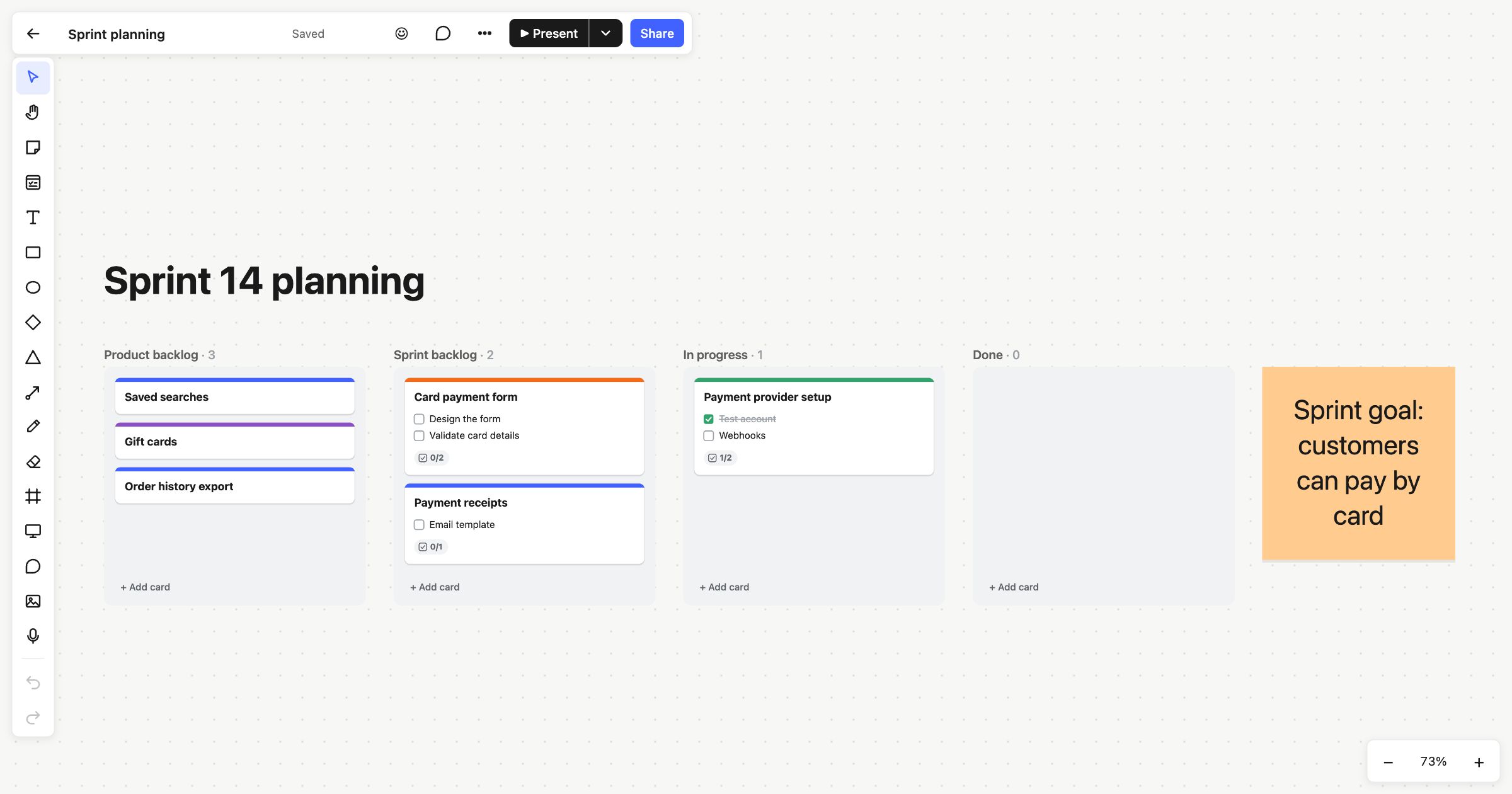
Sprint planning is the meeting at the start of a sprint where a team agrees a goal and chooses the work that will meet it. This sprint planning template puts the sprint goal, the product backlog and the sprint’s Kanban columns on one board, so the plan you make is the board you work from for the rest of the sprint.
When to use a sprint planning template
Use it at the start of each sprint, usually every one or two weeks. It suits Scrum teams, and any small team that works in fixed stretches and wants to agree up front what’s in and what’s out. Because the backlog and the sprint sit side by side, it’s easy to see what you’re choosing between, and the sprint goal stays in view the whole time.
How to run it
- Agree the sprint goal (10 minutes). Write one sentence on the goal note that says what the sprint is for. Everything else follows from it.
- Review the backlog (10–15 minutes). Walk through the cards in “Product backlog”, top first. Clarify anything vague.
- Pull work into the sprint (15–20 minutes). Drag the cards that serve the goal into “Sprint backlog”. Stop when the team agrees it’s enough.
- Break it down (15 minutes). Open each sprint card and add a checklist of the steps, then assign people and a due date.
- Work from the board. During the sprint, move cards through “In progress” to “Done”. Each card shows its checklist progress, so stand-ups are quick.
What’s on the template
The board is titled “Sprint 14 planning”. It has four Kanban columns and a goal:
- Product backlog: “Saved searches”, “Gift cards” and “Order history export”.
- Sprint backlog: “Card payment form”, with a two-item checklist, and “Payment receipts”, with one.
- In progress: “Payment provider setup”, with “Test account” ticked and “Webhooks” still to do.
- Done: empty, ready for the first finished card.
- Sprint goal: a large orange note beside the columns that reads “Sprint goal: customers can pay by card”.
Cards stack and snap into place in their columns, and each column’s title shows its count.
Tips
- Move cards from the keyboard. Select a card and press Alt+← or Alt+→ to move it to the next column, or Alt+↑ and Alt+↓ to reorder.
- Clear Done at the end. Archive all cards in a column’s menu folds the finished work away, ready for the next sprint.
- See your own work. My tasks lists every card and checklist item assigned to you, grouped by when it’s due.
Read more about Kanban columns. Look back on the sprint with the sprint retrospective template, keep the day-to-day work on a Kanban board, or plan further ahead with the product roadmap.
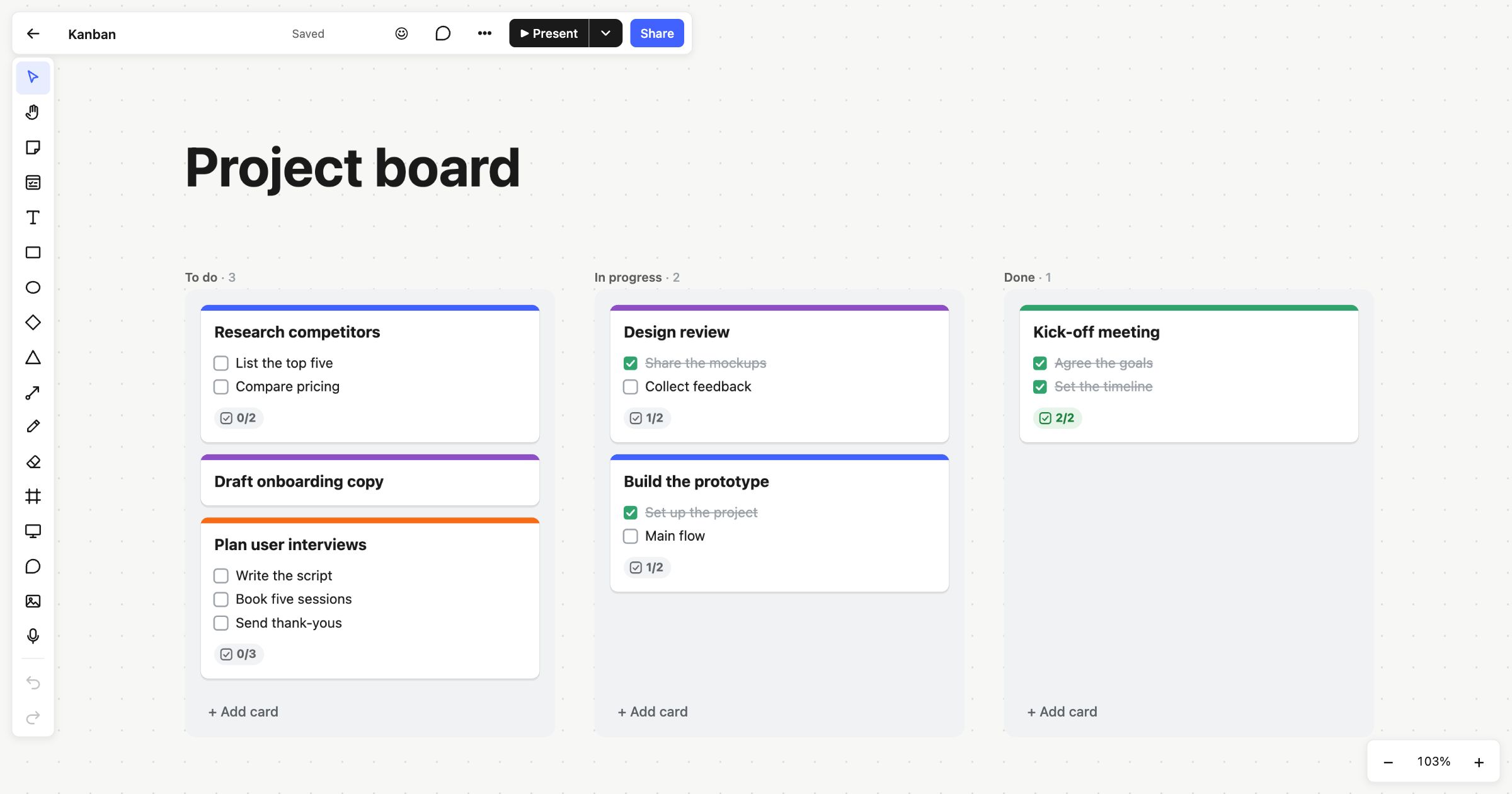 Kanban board
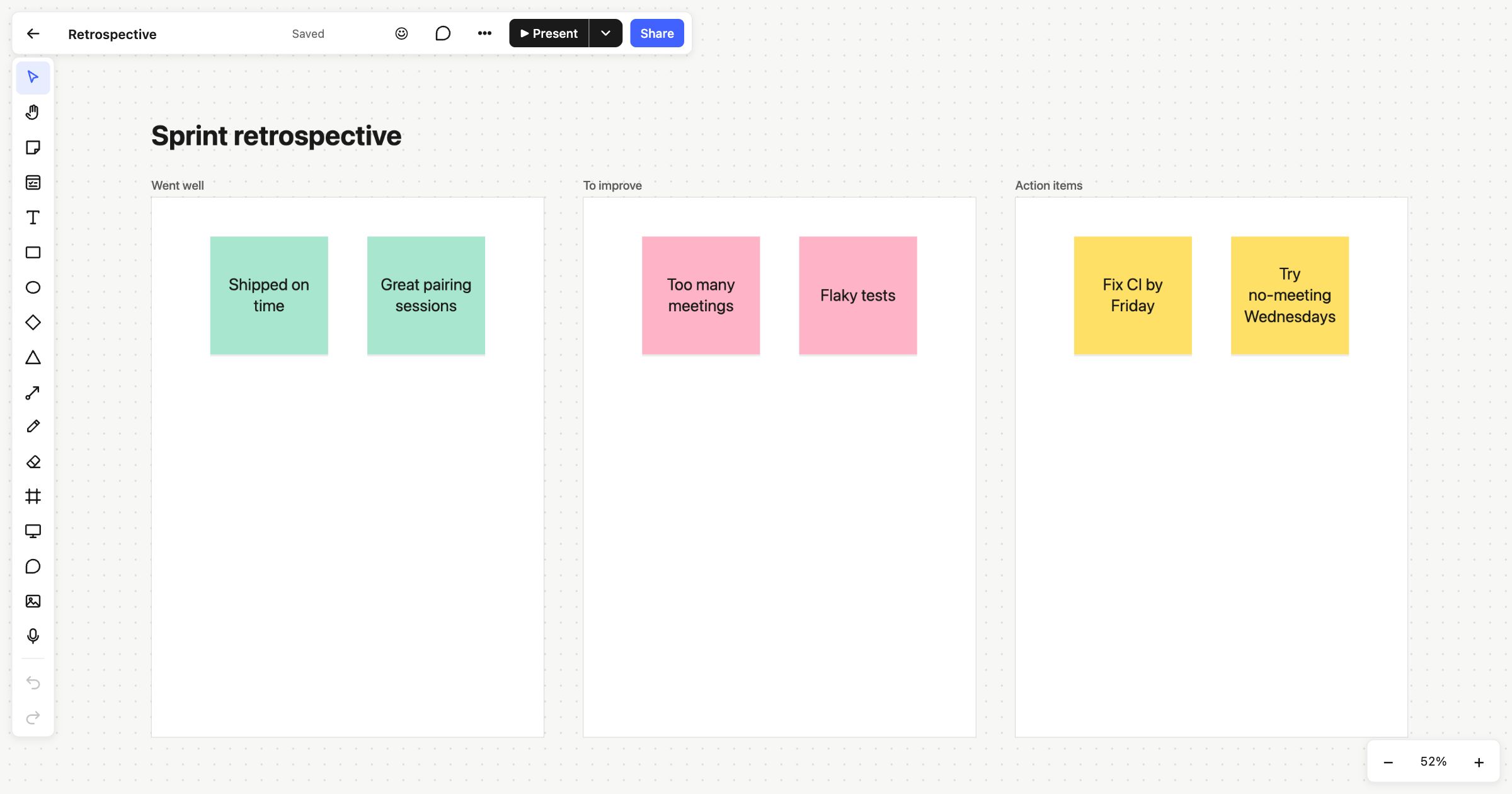 Sprint retrospective
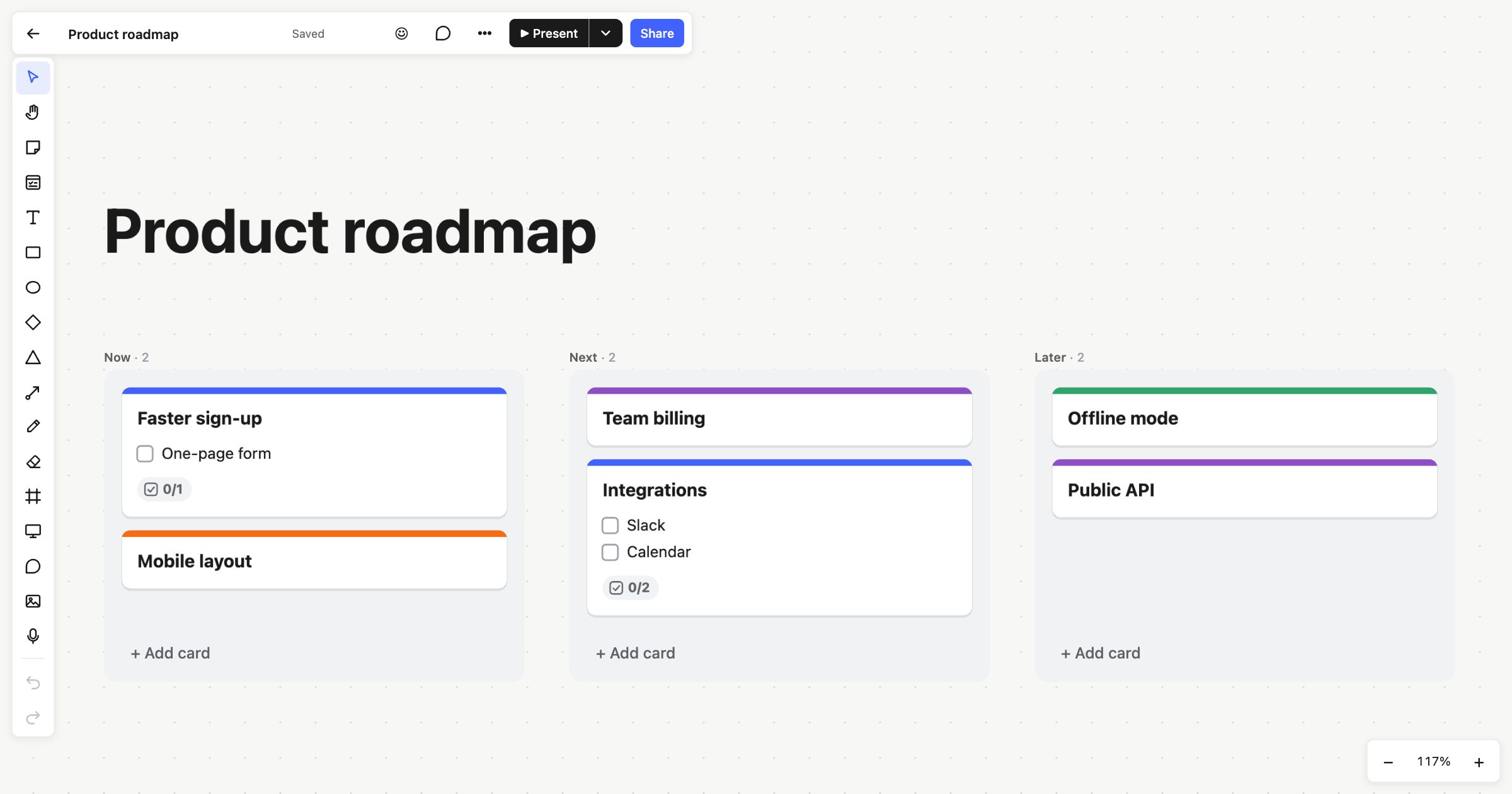 Product roadmap